Configure GA4 Connector
1. Hover over the Plus icon to open the Navigation Menu

2. Click on the Integrations logo.

3. Click "My Connectors"

4. Click the Gear icon

5. Click "Configure"

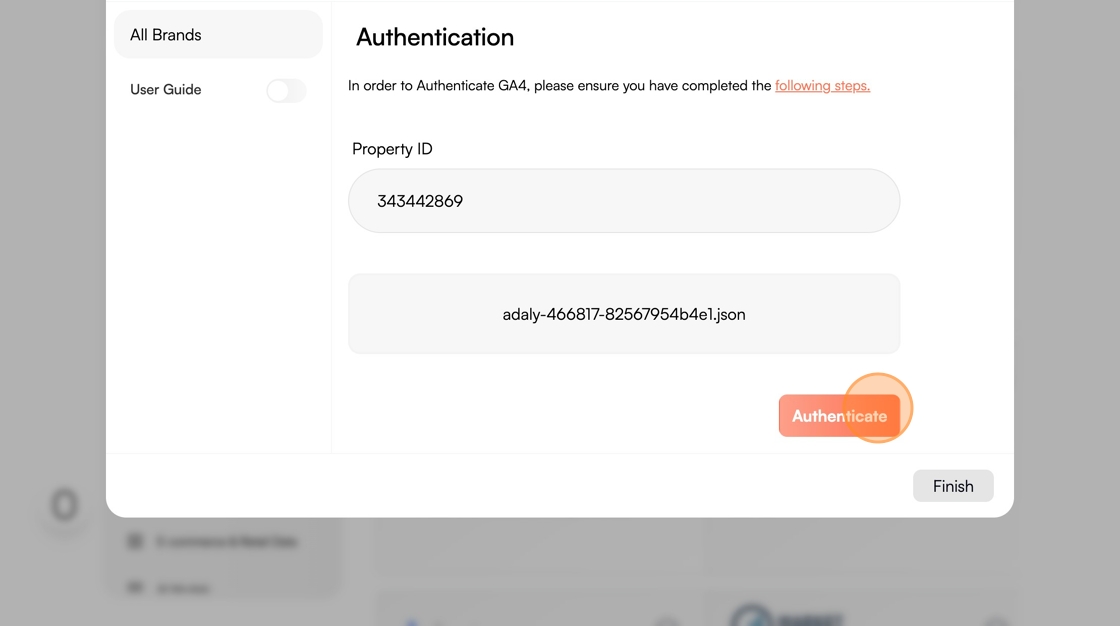
6. Click the "Property ID" field and enter your Property ID

7. Click Upload JSON File and upload, then click Authenticate
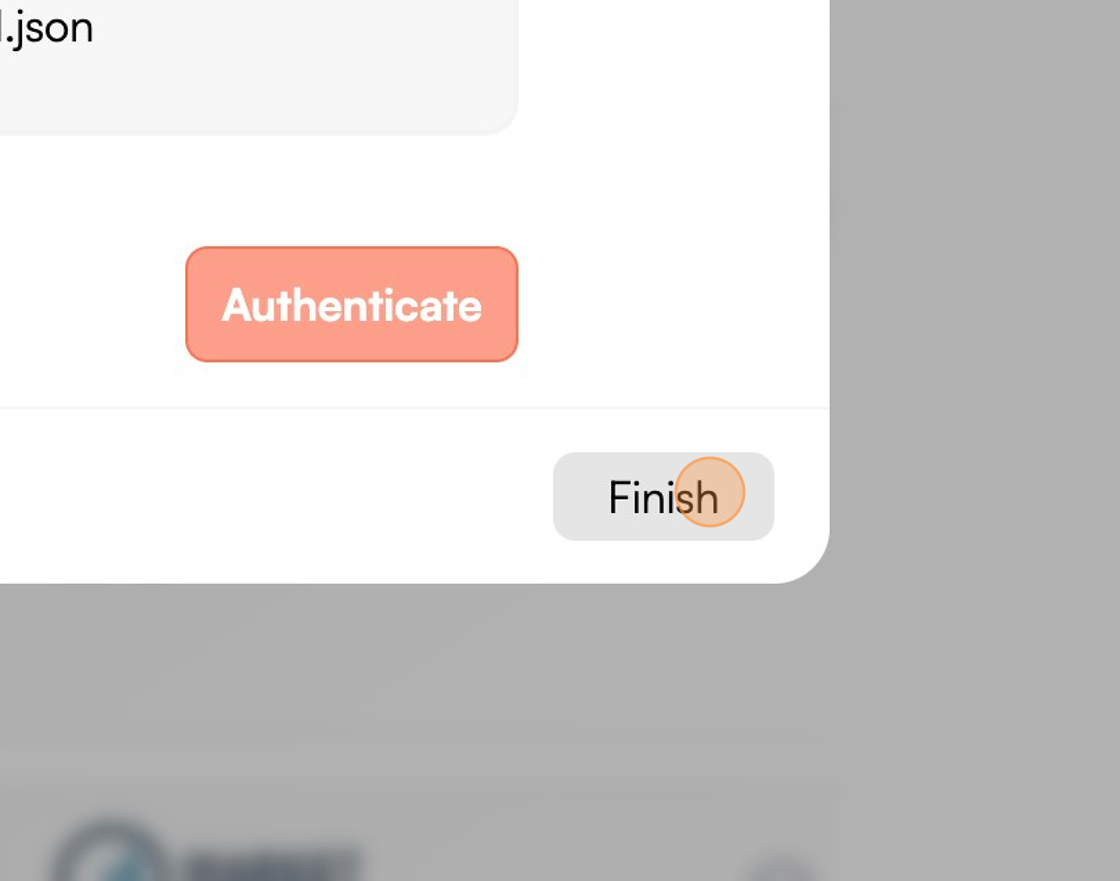
8. Click "Finish"