Configure Gemini Connector
1. Hover over the Plus icon to open the Navigation Menu

2. Click on the Integrations logo.

3. Click "My Connectors"

4. Click the Gear icon

5. Click Configure

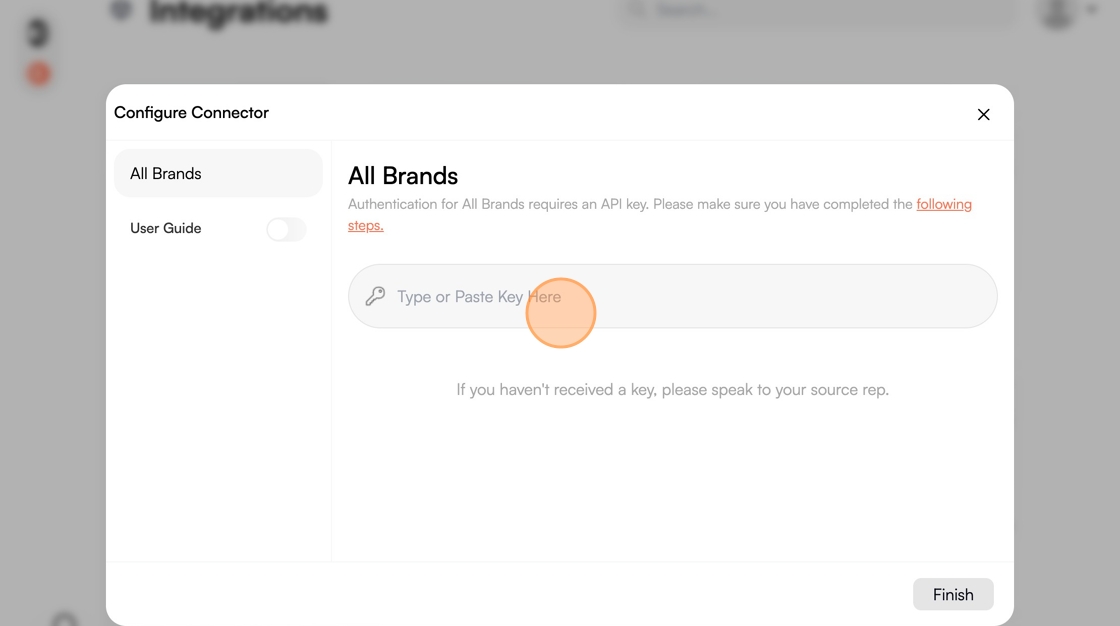
6. Click the "Type or Paste Key Here" field and enter your API key
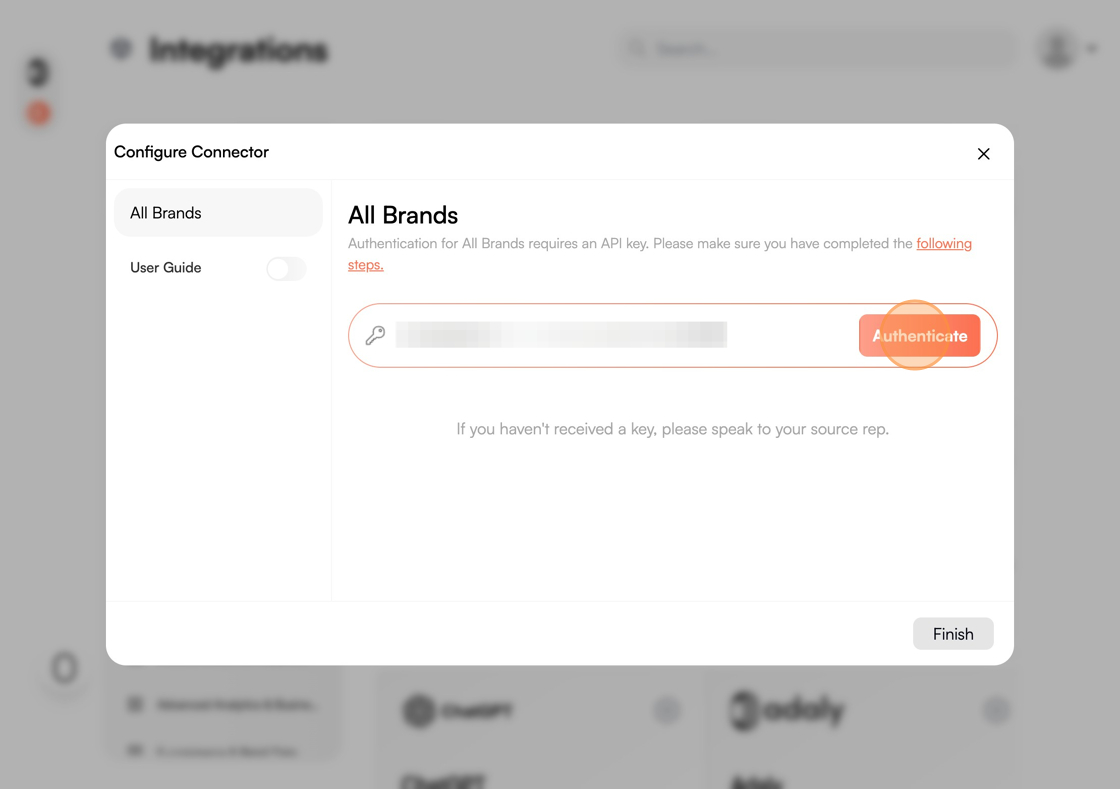
7. Click "Authenticate"
8. Click "Finish"
