Configure Snowflake Connector
1. Hover over the Plus icon to open the Navigation Menu

2. Click on the Integrations logo.

3. Click "My Connectors"

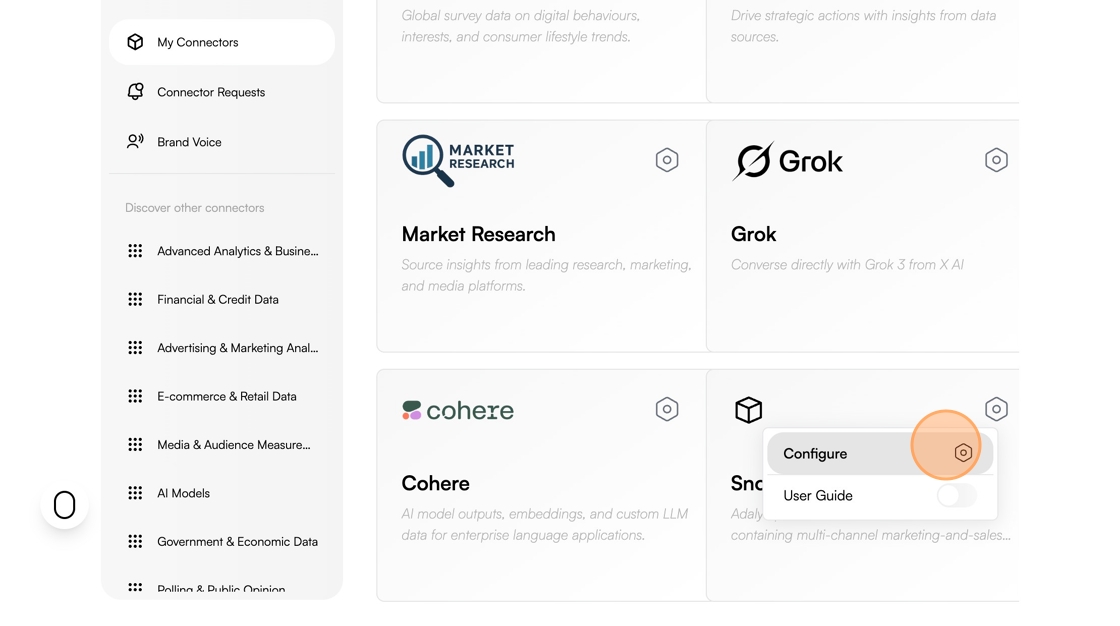
4. Click the Gear icon

5. Click "Configure"
6. Click the "User Name" field and enter your username
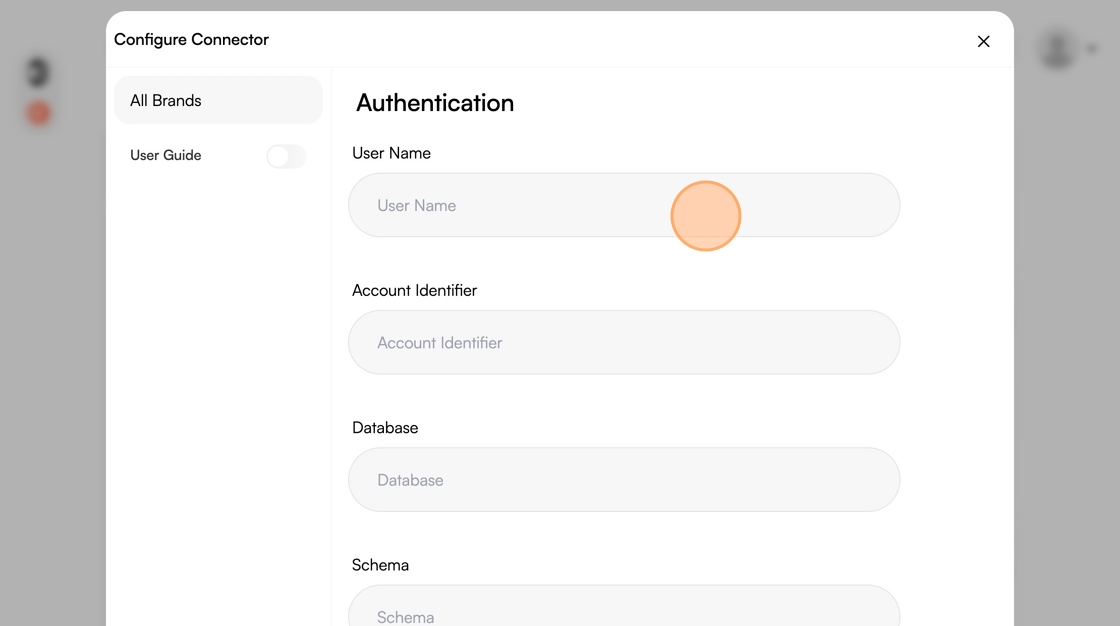
7. Click the "Account Identifier" field and enter your account identifier

8. Click the "Database" field and enter your database

9. Click the "Schema" field.

10. Click the "Programmatic Access Token" field and enter your Programmatic Access Token

11. Click "Authenticate"

12. Click "Finish"
