Request a Connector
Requesting a Connector is how Company Members can gain access to new Data Sources. Below is a step by step guide on how to do so, feel free to apply this to the Connector of your choice!
1. Hover over the Plus icon to open the Navigation Menu
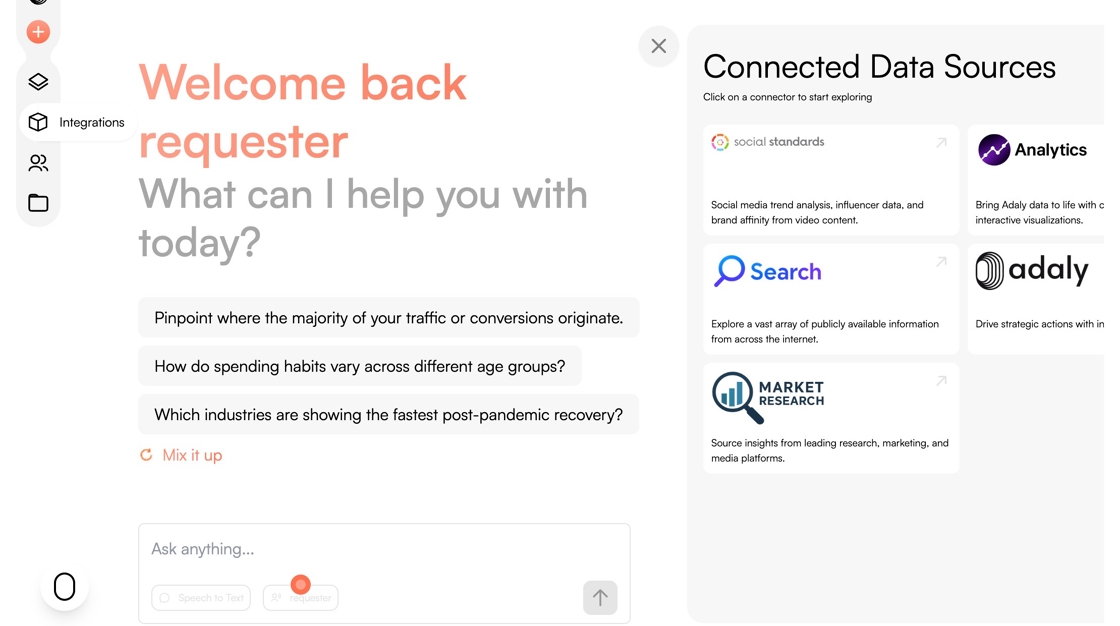
2. Click on the Integrations logo.

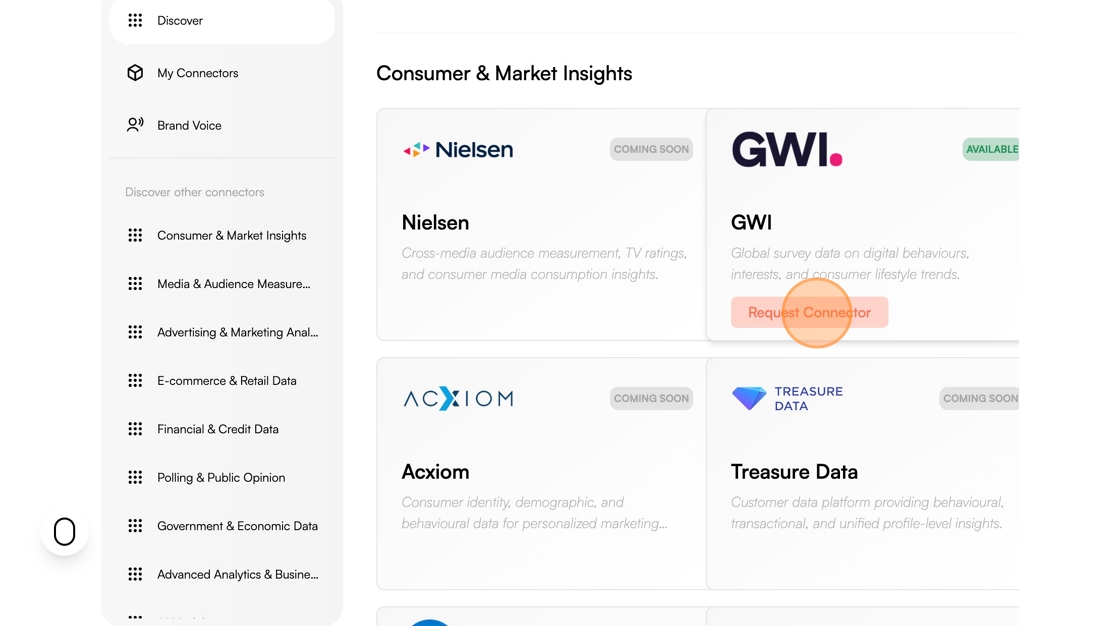
Tip: Locate your intended connector through the Discover section
3. Click "Request Connector"