Delete a Saved Chat
1. Hover over the plus icon to open the navigation menu
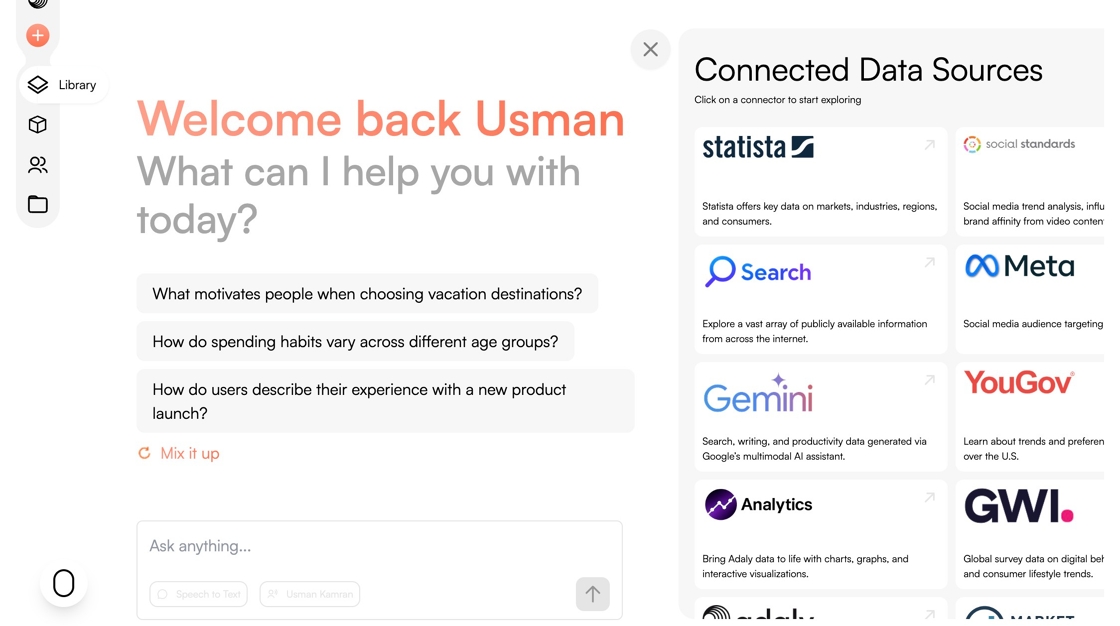
2. Click the Library icon.

3. Click on the (...) of the chat you want to delete.

4. Click "Delete"

5. Click "Delete"

1. Hover over the plus icon to open the navigation menu
2. Click the Library icon.
3. Click on the (...) of the chat you want to delete.
4. Click "Delete"
5. Click "Delete"