Change Your Password
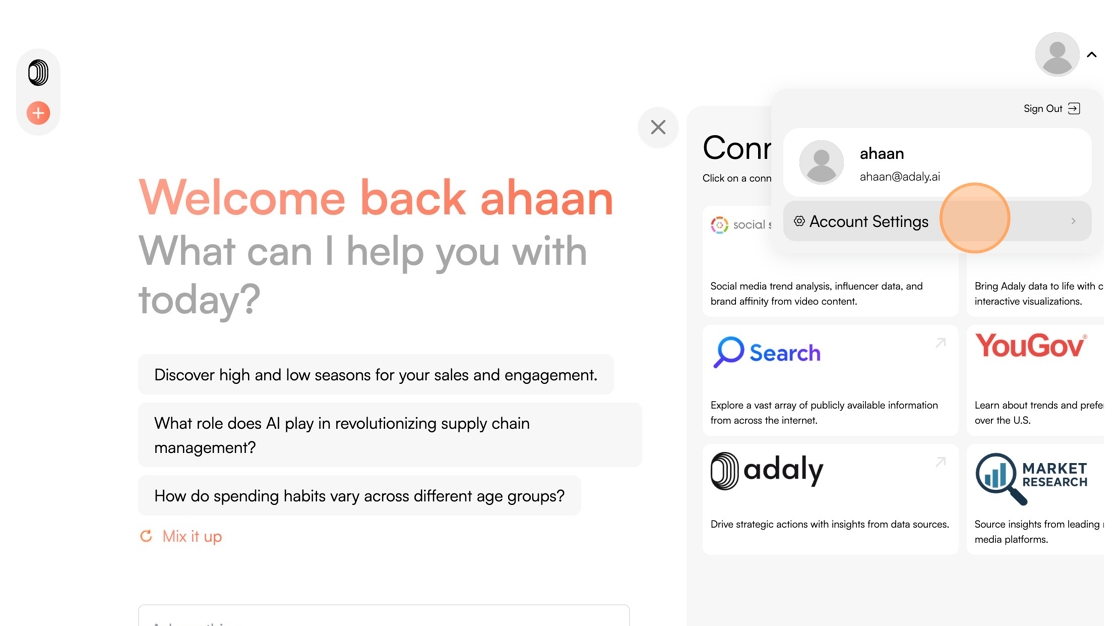
1. Hover over your Profile Picture in the top right
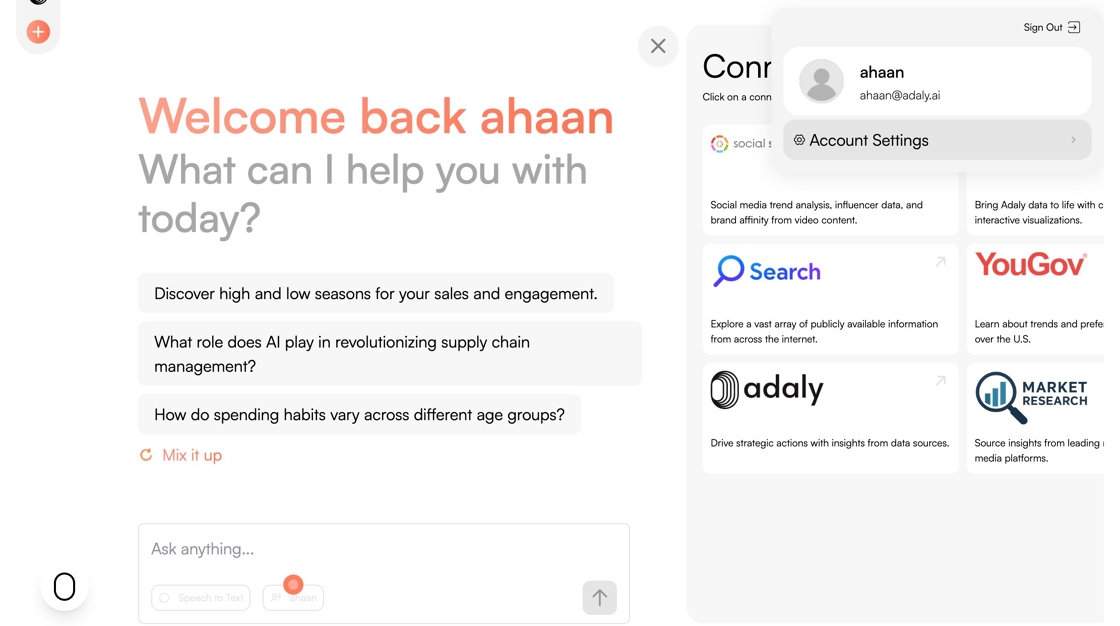
2. Click "Account Settings"
3. Click "Change Password"

4. Click the "Enter your old password" field and enter your current password.

5. Click the "Enter your new password" field and enter your new password.

6. Click the "Re-enter your new password" field and re-enter your new password.

7. Click "Save"
