Run an Agent Task
1. Click the Agent icon

2. Click the "New task" field.
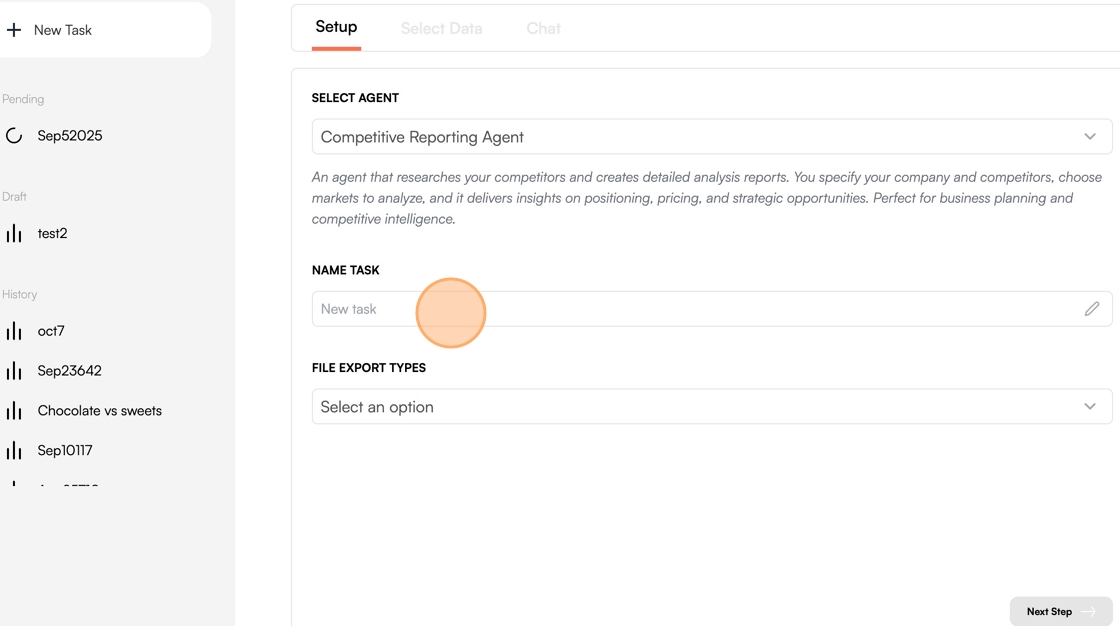
3. Enter a name for this Task.
4. Click "Select an option"
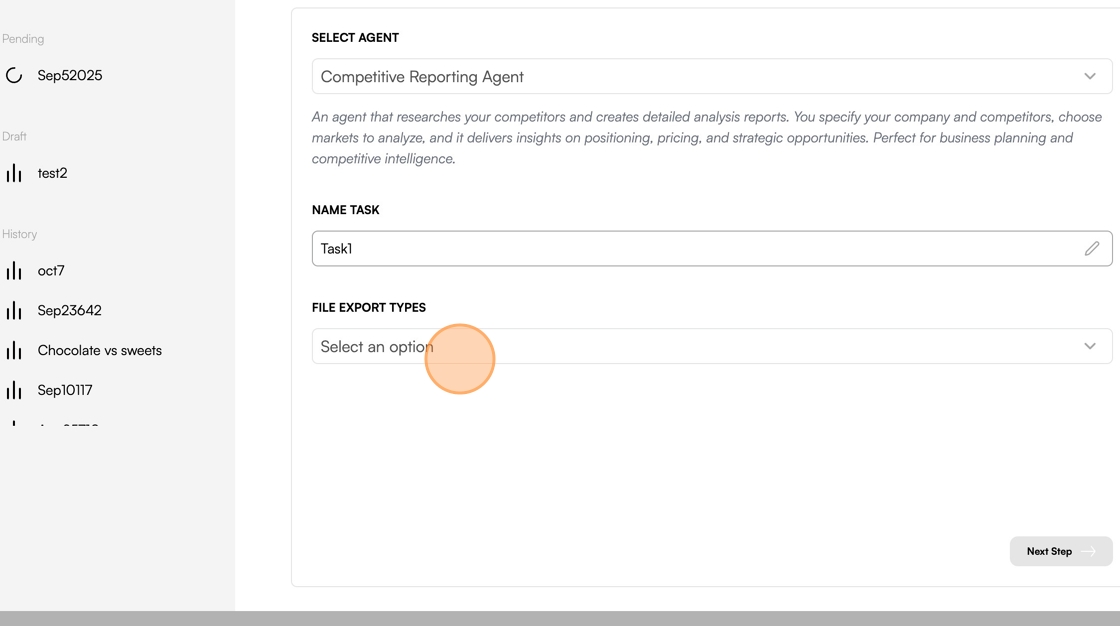
5. Select your preferred export type(s)

6. Click "Next Step"

7. Click on your brand

8. Select the brand you want to run this task on

Tip: Optionally repeat this process for your selected Shelves and My Data
9. Click "Select Integrations"

10. Click on the Connectors you'd like to use for this Task

11. Click "Next Step"

12. Click the "Add context..." field.

13. Enter your primary focus (e.g "I want to make a comprehensive report for the competitors of Adidas specifically Nike")
14. Press Enter or click the arrow icon to submit your response.

15. Click the "Add context..." field.

16. Indicate that this is the correct focus (e.g "Yes")
17. Click the "Add context..." field.
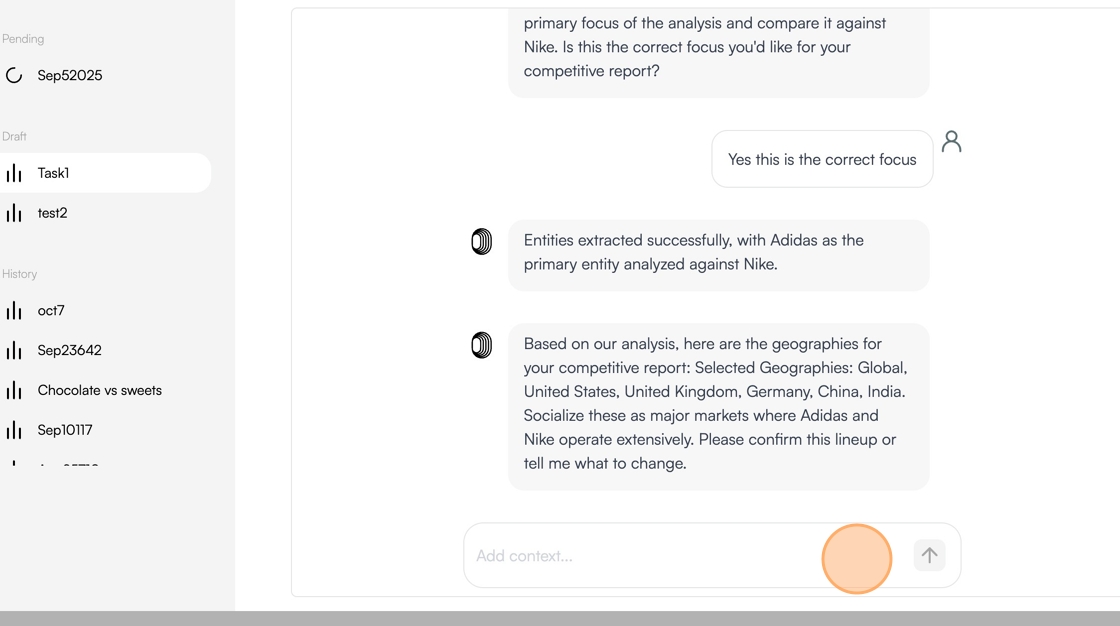
18. Type "Confirm" and press Enter
19. Click the "Add context..." field.

20. Type "Confirm" and press Enter
21. Click "Run Agent"
