Rename a Brand
1. Hover over the plus icon to open the navigation menu
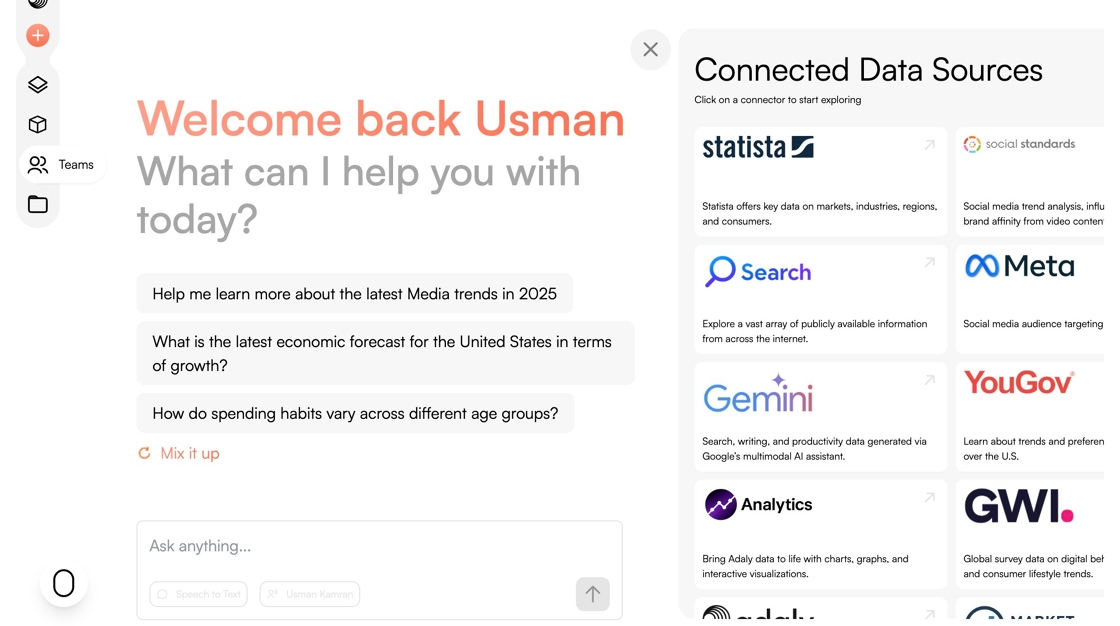
2. Click the Teams icon.

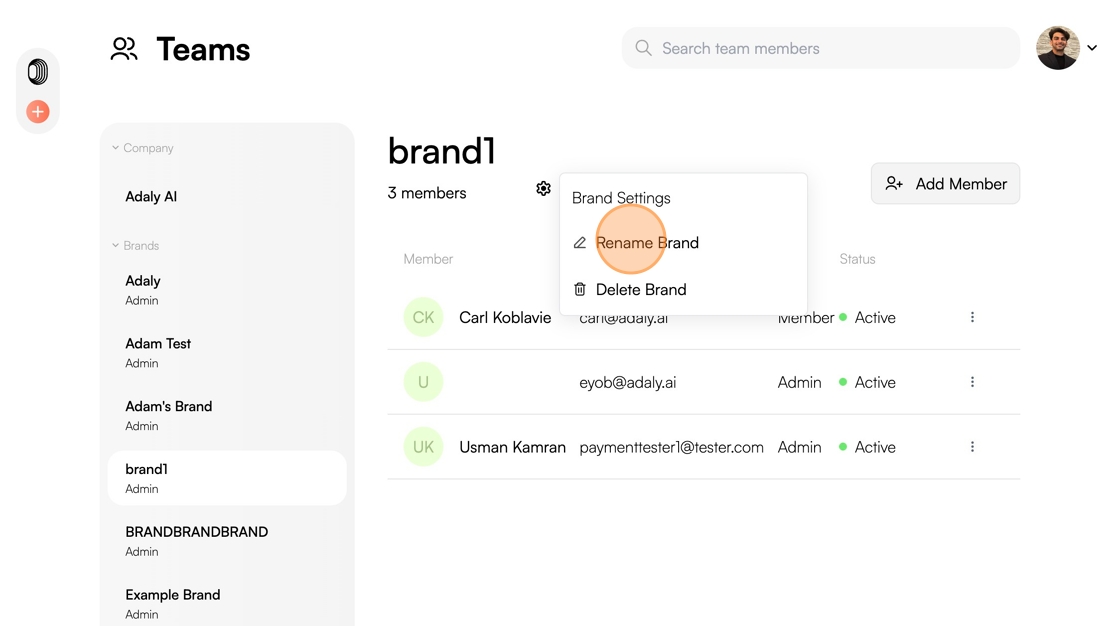
3. Click on the Brand you want to rename.

4. Click on the Gear icon.

5. Click "Rename Brand"
6. Click this text field.

7. Enter the new name of your Brand.
8. Click "Rename"
