Delete a User from the Company
1. Hover over the plus icon to open the navigation menu

2. Click the Teams icon.

3. Click the (...) of the user you wish to remove.

4. Click "Delete"

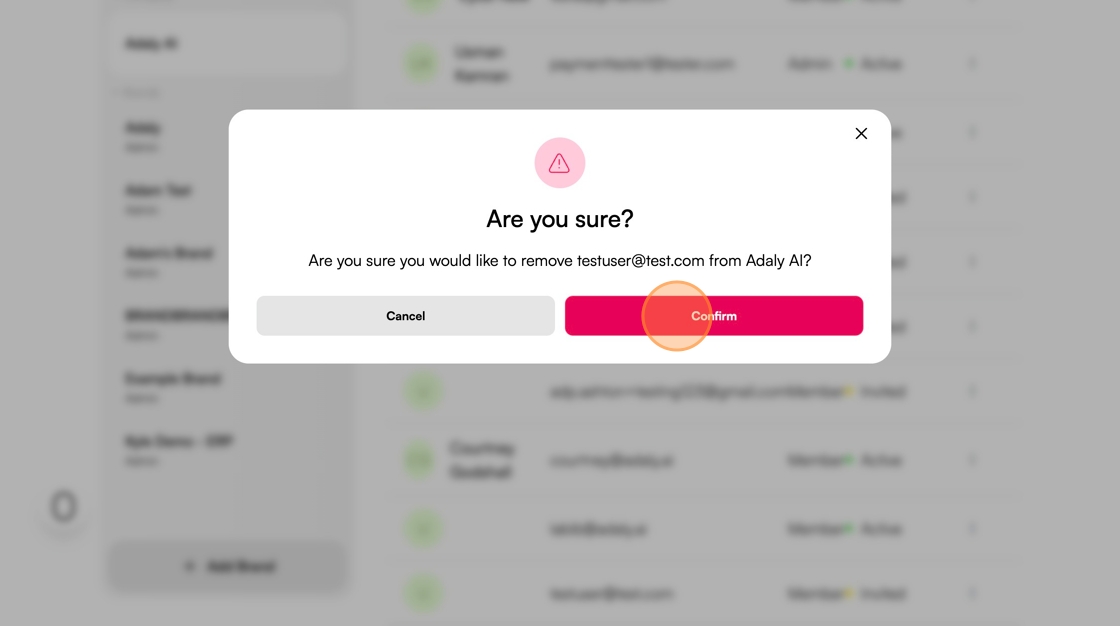
5. Click "Confirm"
1. Hover over the plus icon to open the navigation menu
2. Click the Teams icon.
3. Click the (...) of the user you wish to remove.
4. Click "Delete"
5. Click "Confirm"